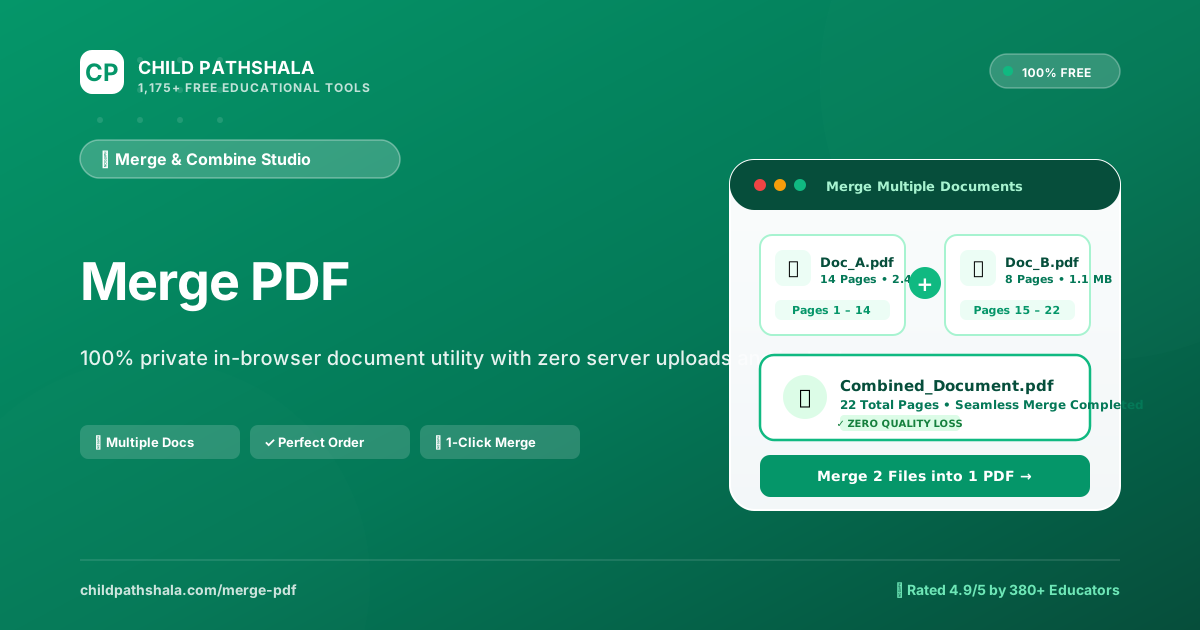
How to Merge PDF Files in 4 Simple Steps
Combining separate PDF pages shouldn't require installing cumbersome desktop software or handing over personal documents to unknown cloud servers. Our in-browser merge utility provides a straightforward, streamlined workflow designed for students, teachers, and professionals alike:
Select Your PDFs
Click the file selection button or drag and drop two or more PDF files directly from your computer or phone into the dropzone.
Set Document Sequence
Preview your uploaded files. Simply drag items up or down to set the exact chronological or logical reading order you need.
Merge in Seconds
Click the green Merge button. Our browser-based engine stitches the underlying PDF streams instantly in local device RAM.
Download Result
Save your unified document with a single click. Your merged PDF is ready for printing, submission, or emailing immediately.
Why In-Browser PDF Merging is Safer & Faster Than Cloud Uploads
Most free PDF merger websites operate on a centralized client-server model: when you click "Upload", your private files are transmitted over the public internet to a remote server, processed in an external queue, and stored temporarily before a download link is generated. Even when platforms advertise "automatic deletion after 2 hours", your sensitive records—such as bank statements, tax IDs, student grades, medical summaries, and confidential contracts—are exposed to transit vulnerabilities and remote storage risks.
ChildPathshala takes a fundamentally different, privacy-first architectural approach:
- Zero Cloud Uploads: Every single byte of your document is parsed, arranged, and merged entirely within your browser's local sandbox using modern WebAssembly (WASM) and JavaScript. Not a single page ever travels across the network to our servers.
- Zero Wait Queues: Because processing occurs on your local device CPU, you bypass upload bottlenecks, server traffic delays, and slow download queues. Even large documents combine in just a few seconds.
- Automatic Memory Cleanup: The document buffer exists solely in temporary browser RAM while the tab remains open. As soon as you finish your download or close the tab, all memory is immediately and permanently released.
- Full Offline Capability: Once this page has loaded in your browser cache, you can disconnect from Wi-Fi or cellular data completely and still merge PDF documents smoothly offline.
Comparison: ChildPathshala vs. Cloud-Based PDF Mergers
Here is how ChildPathshala's client-side utility compares with conventional commercial PDF converters on key factors like privacy, limits, and cost:
| Feature / Capability | 🌟 ChildPathshala | Generic Online Mergers |
|---|---|---|
| File Privacy & Data Security | ✓ 100% Local (0 bytes uploaded) | Uploaded to remote cloud servers |
| Daily Task & File Limits | ✓ Unlimited merges & pages | Capped at 1–3 free merges per day |
| Account / Login Requirement | ✓ None (Instant anonymous access) | Forced email or account registration |
| Watermarks & Branding | ✓ Zero watermarks added | May add promotional logos or stamps |
| Offline Operation | ✓ Works offline once loaded | Requires active cloud connection |
| Hidden Subscriptions / Fees | ✓ 100% Free educational tool | $9 to $18/month paywall prompts |
Zero Quality Loss: How Vector Text & High-Res Graphics Stay Crisp
A frequent concern when merging documents is whether the output file will suffer from blurry text, low-resolution pictures, or distorted page dimensions. With ChildPathshala, your document fidelity is 100% preserved because our engine utilizes stream-level copying rather than screen rasterization.
When traditional printer drivers or poor-quality converters "merge" files, they often convert PDF pages into flattened bitmap images, which leads to pixelated text, bloated file sizes, and unselectable words. By contrast, our WebAssembly engine performs an architectural page transfer:
- Original Vector Typography: TrueType, OpenType, and PostScript font definitions remain embedded in their original vector format. You can zoom in 500% on text, equations, or legal fine print without a trace of blurring.
- Bit-Accurate Image Assets: Embedded photographs, scientific charts, and company logos are copied without recompression, ensuring color spaces (RGB/CMYK) and original DPI ratings remain identical.
- Selectable & Searchable Text: Because the text layer is preserved, you can continue to search (Ctrl+F / Cmd+F), highlight, copy quotations, or feed the merged document into screen readers and OCR tools.
- Interactive Elements: Form fields, annotations, bookmarks, and cross-document page links are retained in their standard PDF 1.7 / PDF 2.0 object definitions.
Practical Use Cases Across School, Work & Everyday Life
Merging PDFs is one of the most versatile document operations in modern computing. Here are some of the most frequent real-world scenarios where our tool saves time:
Students & Researchers
Consolidate your title page, main essay body, bibliography, survey questionnaires, and data charts into a unified thesis or term paper for submission.
Teachers & Educators
Combine individual lesson worksheets, reading Decodables, and answer keys into comprehensive, print-ready weekly binders for classroom distribution.
Job Seekers & Careers
Create a polished, professional job application packet by stitching your tailored cover letter, resume/CV, recommendation letters, and portfolio samples together.
Legal, Financial & Tax
Bundle W-2 forms, 1099 schedules, bank statements, signed lease agreements, and identification scans for your CPA, accountant, or mortgage lender.
Parents & Home Management
Keep family health archives organized by merging pediatric immunization logs, dental records, school enrollment paperwork, and extracurricular consent forms.
Receipts & Expense Reports
Stitch scattered digital receipts, hotel invoices, airline boarding passes, and expense claim forms into a single audit-ready file for monthly reimbursement.
Cross-Platform Compatibility: Windows, Mac, Linux & Mobile
Because ChildPathshala runs on standardized modern web standards (HTML5 Canvas, File API, and WebAssembly), it provides consistent, high-performance behavior across every major operating system without installing plugins or software:
- Windows 10 & 11: Compatible with Microsoft Edge, Google Chrome, Mozilla Firefox, and Brave. No need to install third-party desktop converters.
- macOS (Apple Silicon & Intel): Works fluidly in Safari, Chrome, and Arc. You get desktop-grade document manipulation without launching Preview or Acrobat.
- Chromebooks (ChromeOS): An ideal lightweight solution for school-issued Chromebooks with limited local storage, since processing utilizes standard RAM rather than disk space.
- iPhones & iPads (iOS / iPadOS): Tap to select files directly from the Apple Files app, iCloud Drive, or scanned documents saved from Notes.
- Android Phones & Tablets: Easily combine files downloaded from Google Drive, Gmail attachments, or camera scanner applications.
Troubleshooting Common PDF Merging Challenges
While merging standard PDFs is seamless, complex documents occasionally encounter unique obstacles. Here is how to diagnose and resolve frequent issues:
1. Password-Protected or Encrypted Files
If a document requires an "Open Password" to view its contents, the browser cannot read its internal page tree until the security restriction is removed. If you possess the authorized password, open the document and print it to a new PDF (or use our Unlock PDF tool) before merging.
2. Handling Very Large Files or Hundreds of Pages
Because computation happens inside browser memory, devices with constrained RAM (such as older smartphones or low-spec laptops) may experience slowdowns if attempting to merge 500+ megabytes of uncompressed 600 DPI scans at once. For optimal speed, merge in batches of 10 to 20 files, or run our Compress PDF tool on bulky files beforehand.
3. Mismatched Page Orientations & Paper Sizes
PDFs created by different applications often mix portrait Letter (8.5 × 11 in) with landscape A4 or legal pages. Our merge engine respects each page's native MediaBox and Rotate attributes, meaning individual orientations remain correct without accidental squishing or cropping. If a scanned page is accidentally sideways, run it through our Rotate PDF tool prior to merging.
4. Damaged or Incomplete PDF Streams
If a file failed to download completely or possesses corrupt XRef tables, the browser may report an error during parsing. Opening the corrupt document in a desktop viewer and saving a fresh copy will usually rebuild the internal structure so it can be merged cleanly.
Technical Specifications & Educational Privacy Standards
ChildPathshala's document engine is built on open standards and modern browser sandboxing to ensure enterprise-grade reliability and legal compliance:
- ISO 32000-1 & ISO 32000-2 Architecture: Fully compatible with official Adobe PDF specifications from PDF 1.3 through modern PDF 2.0. The merge process reconstructs cross-reference (XRef) tables and resolves object numbering systematically without breaking existing bookmarks or metadata streams.
- FERPA & Student Privacy Alignment: Under the Family Educational Rights and Privacy Act (FERPA), educational institutions must safeguard student educational records from unauthorized disclosure. Because ChildPathshala executes all code client-side without collecting, transmitting, or logging student papers or transcripts, schools and teachers maintain complete regulatory compliance.
- COPPA & GDPR Adherence: No persistent trackers, behavioral ad profiling, or personal data collection occur during the merge operation. The service operates completely anonymously with zero account sign-up.
- WebAssembly Performance Isolation: Computation takes place in an isolated memory buffer allocated by your browser. Memory is non-persistent and automatically recycled by the browser's garbage collector when operations finish.
Frequently Asked Questions About Merging PDFs
Does merging PDF files reduce their text or image quality?
No. ChildPathshala combines PDF files by directly copying the raw underlying PDF object dictionaries and vector content streams. It does not rasterize your pages into low-resolution pictures or apply aggressive compression. Your vector text, embedded fonts, hyperlinks, high-resolution graphics, and form fields remain 100% intact and crisp.
Are my confidential documents uploaded to any remote server?
No. Unlike traditional online converters that transfer your files to third-party cloud servers, our tool runs 100% locally on your own machine using client-side WebAssembly and modern browser APIs. Not a single byte of your documents ever leaves your device.
Is there any daily limit, page cap, or paywall fee?
No. The Merge PDF tool is completely free with no daily limits, no page caps, no email registration requirements, and no watermarks placed on your final documents.
How do I change the order of files before merging?
Once you select your files, they appear in the file list. You can simply drag and drop the files up or down to arrange them into your preferred sequence before hitting the Merge button.
Can I merge PDF files on my iPhone, iPad, or Android phone?
Yes. The tool is fully mobile-responsive and operates inside any modern mobile web browser (such as Safari on iOS or Chrome on Android). You can select files directly from the Files app, iCloud Drive, or your device downloads.
Can I combine password-protected PDF files?
To merge an encrypted or password-protected PDF, the file must first have its security restriction unlocked with the authorized password. Once unlocked, the document streams can be seamlessly combined.
What should I do if my merged PDF is too large for email attachments?
If combining multiple image-dense documents results in a file larger than your email attachment threshold (often 20MB - 25MB), you can use our companion Compress PDF tool to losslessly optimize file size without degrading readability.