Home › Blog › Science › Coding for Kids: When Should Your Child Start Learning Progr
Coding for Kids: When Should Your Child Start Learning Programming?
Every parent has heard it: coding is the literacy of the future . But walk into any toy store and you will find coding robots marketed to three-year-olds next t...


Every parent has heard it: coding is the literacy of the future. But walk into any toy store and you will find coding robots marketed to three-year-olds next to Python courses for teens — leaving parents with the real question: when should your child actually start learning programming? The honest answer depends less on age and more on stage. Here is the developmental roadmap.
The Short Answer by Age
- Ages 4–6: No code, just logic. Sequencing games, pattern blocks, giving a robot (or parent!) precise instructions to make a sandwich. The goal is algorithmic thinking, not syntax.
- Ages 7–9: Visual block coding. Scratch-style drag-and-drop blocks remove typing and syntax errors, letting children focus on logic: loops, conditions, events. This is the sweet spot to start.
- Ages 10–12: Guided text coding. Python or JavaScript with tutorials, micro:bit projects, and simple games. Typing fluency matters here.
- Ages 13+: Real projects. Websites, apps, robotics, competitions. Motivation should drive the stack, not the other way around.
Signs Your Child Is Ready (Regardless of Age)
Forget birthdays; watch for these four readiness signals:
- Reads comfortably. Coding instructions demand reading stamina — struggling readers should build literacy first.
- Handles productive frustration. Debugging means being wrong repeatedly. If meltdowns follow every mistake, build puzzle tolerance first with logic games.
- Types or drags confidently. Fighting the interface while learning logic doubles the load.
- Shows curiosity about how things work. "Why" kids take to coding; pushed kids bounce off it.
Block Coding vs Real Code: The Great Debate
Skeptics call block coding "not real programming." They are half wrong. Research shows block environments teach identical computational concepts (loops, variables, conditionals) with far less frustration, and children transition to text code faster afterward. Think of blocks as training wheels: essential at first, outgrown naturally. Move to text when your child starts complaining blocks are "too slow" — that complaint is the readiness signal.
The 5 Mistakes Parents Make
- Starting with syntax. A seven-year-old memorizing semicolons learns typing, not thinking.
- Buying courses before curiosity. A $500 bootcamp cannot manufacture interest a free hour of Scratch reveals.
- Doing the debugging. Grabbing the mouse teaches helplessness. Ask "what did you expect vs what happened?" and walk away.
- Marathon sessions. Thirty focused minutes beat three glazed weekend hours.
- Skipping unplugged thinking. The sandwich-directions game and pattern puzzles build more logic per hour than any app at ages 4–7.
Free Ways to Start This Week
Begin with zero spending: one hour of visual blocks, one unplugged logic game from our free interactive tools, and one printable logic worksheet for screen-free practice. If your child begs for more after two weeks, then consider structured courses or robotics kits.
The Bottom Line
Start logic at 4–6, blocks at 7–9, text at 10–12 — but let readiness, not the calendar, make the final call. The child who starts at nine with curiosity will lap the child who started at six under pressure. Coding rewards the patient; make sure the introduction is patient too.
How to Spot a Good Coding Program (and Avoid Traps)
Evaluate any course, app, or camp against five questions: 1. Do children debug their own code, or follow click-by-click recipes? (Only the first teaches thinking.) 2. Is there a tangible project every 2–3 sessions? (Motivation needs artifacts.) 3. What is the student-teacher ratio? (Above 8:1, beginners stall silently.) 4. Can you watch a real class before paying? (Refusal is a red flag.) 5. What happens after the course — a portfolio, a next level, or nothing? Good programs answer all five proudly. And remember the free test: if two weeks of Scratch plus logic puzzles produce zero begging for more, save your money — interest first, investment second, always.
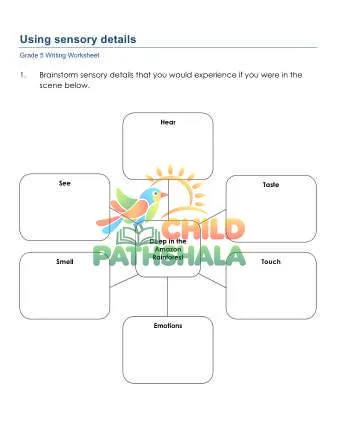
📑 Practice Offline: Matching Printable Worksheets


Watch Science in action
▶ Now playing: Child Pathshala Printables
📺 Dedicated Watch Page →Parent favorites from the store
View all →
Apply during checkout for instant savings. Shop all bundles →
Looking for Printable Worksheets & Words?
Turn today's ideas into practice — 14,900+ free worksheets by grade, subject and skill, plus an illustrated 30,000-word dictionary.
Keep reading
 Science
STEM Activities at Home: 15 Easy Science Projects for Kids
Shalni Kumari
 Science
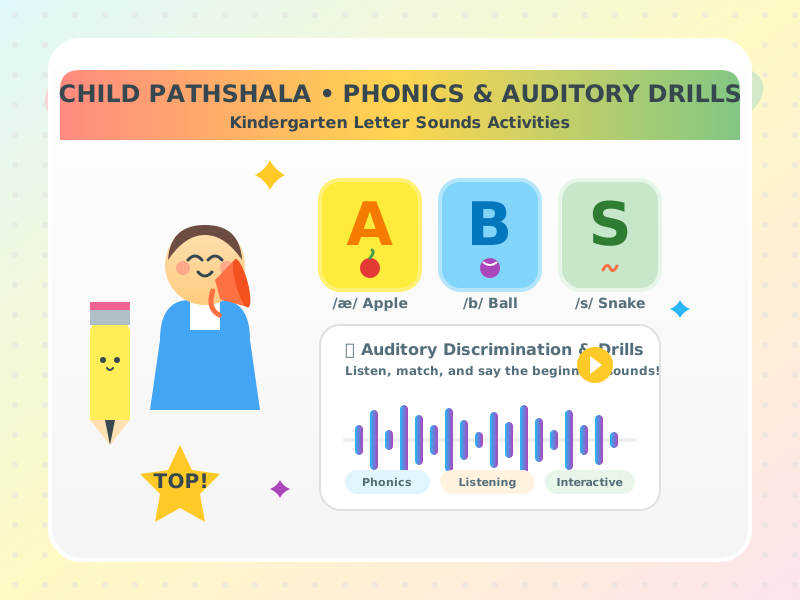
Kindergarten Letter Sounds Activities: Auditory Discrimination and Phonics Drills
Anand Kumar
 Science
Grade 6 Social Science Syllabus and Topics: Ancient Civilizations, Geography, World Religions, and Early Governance
Anand Kumar
 Science
Grade 6 Force and Motion: Vector Forces, Acceleration Formulas, Kinetic Friction, and Momentum
Anand Kumar
Get New Learning Activities & Printables
One short email a week — no spam, unsubscribe anytime.